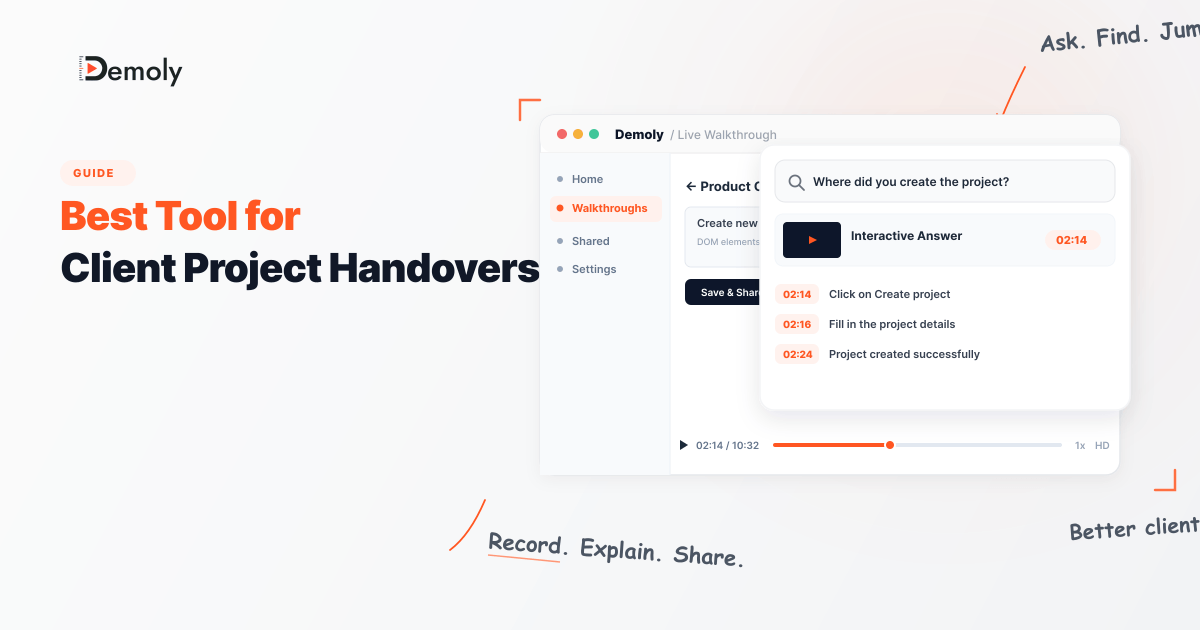
Best Tool for Client Project Handovers
Client project handoffs can quickly become messy when files, credentials, documentation, and final assets are scattered across different tools. The right handoff tool can make the process faster, more secure, and easier for both agencies and clients. In this guide, we explore the best tools for client project handoffs, comparing their features, usability, security, and how well they help agencies create a smooth, professional handover experience.

Best Tool for Client Project Handovers
Completing a web build, SaaS integration, or custom software project is only half the battle. The final hurdle is handing it over so the client can manage it independently, without pulling your team back into unbilled support calls.
Traditional client handovers usually fall apart in predictable ways:
Live walkthrough calls cover too much ground, and stakeholders quickly forget the details.
Long, recorded videos force clients to scrub back and forth along a timeline to find single settings.
Dense written documents are skimmed once and ignored.
When clients cannot find immediate answers, they default to emailing your team. A successful client handover is not just a meeting or a raw file export. It is a self-serve reference asset that clients can navigate on their own schedule.
What Makes a Good Client Handover Tool?
Evaluating software for project handovers requires focusing on criteria that directly affect delivery timelines and post-launch overhead:
Zero-Friction Client Access: External clients should not have to create paid accounts, download desktop software, or install browser extensions just to review their deliverables.
Workflow Searchability: Clients rarely watch complete demonstrations end-to-end. The tool must let them search for specific actions, like updating an integration or modifying a CMS template, and jump straight to the answer.
Sensitive Data Redaction: Walkthroughs frequently expose staging databases, private client records, or API keys. The platform should let you remove sensitive credentials before generating a shareable link.
Format Suitability: Handover deliverables vary. Some require continuous video, others need step-by-step written SOPs, and some require a central directory of links. The tool should match how the client team consumes technical information.
Contextual Feedback: During final acceptance testing, clients need a clear way to leave notes or verify tasks directly within context.
Best Tools for Client Project Handovers at a Glance
Tool | Primary Handover Role | Core Capture Format | Client Searchability | Redaction Controls | Client Access Model | Pricing Model |
Demoly | Interactive, AI-searchable walkthrough packages | Browser DOM and visual action tracking | Visual and Voice AI (natural language queries) | Permanent canvas removal at frame layer | Free browser playback, no client login needed | Free ($0) / Pro at $8/creator/mo |
Notion | Centralized project repositories and spec portals | Text blocks, databases, and media embeds | Workspace keyword and page search | Manual text omission and permission scoping | Free guest viewer access via link | Free tier / Team plans per user |
Scribe | Auto-generated click-by-click written SOPs | Browser event capture with auto-screenshots | Text search across generated document | Screenshot blur and image cropping | Free web viewing via public or private link | Free tier / Pro from 13–25/user/mo |
BugHerd | Visual UAT, bug collection, and punch-list sign-off | Visual pins on live staging URLs | Ticket search and filter dashboard | Access limited to staging environment | Free client guest commenting | Paid team plans (typically from ~$39/mo) |
Loom | Quick async video clips for pre-handover updates | Standard screen and webcam video stream | Spoken audio transcript search only | Basic post-recording blur effects | Free browser playback, login needed to comment | Free (5-min cap) / Business at 15–18/mo |
1. Demoly: Best for Self-Serve, AI-Searchable Walkthrough Packages
Demoly is an interactive walkthrough platform built for digital agencies, web developers, and software implementation teams. Instead of exporting a flat video file that traps information on an unindexed timeline, Demoly captures browser workflows and indexes both spoken dialogue and on-screen interface actions.
Traditional Video Delivery
Record ──► Send Link ──► Client Scrubs Timeline ──► Client Asks Repeat Questions
Demoly Walkthrough Delivery
Record ──► Redact Data ──► Send Link ──► Client Queries AI ──► Direct Timestamp Jump
Why It Works for Client Handovers
Demoly packages web applications and CMS setups into interactive guides that clients can query on demand. When clients have questions days after delivery, they type their query into the AI search drawer (such as "Where do I update the checkout webhook?"). Because Demoly indexes mouse clicks, tab changes, and input fields alongside audio, the AI provides concise steps and takes the client straight to the exact visual timestamp, even if the action was completed silently without spoken narration.
Strongest Capabilities
Visual and Voice Indexing: Searches spoken audio as well as silent UI clicks, toggles, and form inputs across browser tabs.
Permanent Canvas Removal: Excises sensitive client credentials, live API tokens, or customer data permanently at the video-frame layer before sharing.
Interactive Viewer Tools: Viewers can copy visible text, code snippets, and URLs directly out of video frames, and attach comments to specific DOM elements.
Zero-Friction Access: Clients can view, query, and search walkthroughs in any browser without creating accounts, paying for viewer seats, or installing extensions.
Limitations and Pricing
Demoly is built specifically for web and browser-based software workflows, meaning it cannot record native desktop applications or multi-track timelines. It offers a Free plan ($0 forever) with unlimited recordings, a 15-minute cap, and 5 AI-indexed recordings per month. The Pro plan is $8/creator/month for a 30-minute duration cap, unlimited AI-indexed recordings, and unlimited AI Q&A, with free viewer access.
2. Notion: Best for Centralized Project Repositories
Notion serves as an all-in-one delivery portal for digital projects, organizing static documentation, asset links, contracts, and repository access into a single hierarchical dashboard.
Why It Works for Client Handovers
A comprehensive handover often requires delivering technical architecture specs, third-party vendor links, brand assets, staging credentials, and scope documents. Notion allows you to build a structured client dashboard where all these resources sit in organized databases and nested subpages.
Strongest Capabilities
Structured Hierarchy: Organizes project specifications, sitemaps, and deployment sign-offs into clean tables and toggle lists.
Media Embedding: Embeds interactive walkthrough links, Figma prototypes, and video clips directly within documentation.
Permission Scoping: Lets you share specific client-facing pages publicly or invite client stakeholders as workspace guests.
Limitations and Pricing
Notion documentation is entirely static and manual to create, demanding significant unbilled agency time. Clients also tend to avoid reading text-heavy wikis, frequently bypassing the written guide to ask the agency directly. Notion offers a free tier for individuals, while paid team plans start around $8 to $10 per user per month billed annually.
3. Scribe: Best for Auto-Generated Written SOPs
Scribe takes a document-first approach to handovers by tracking cursor actions in the background and automatically generating written, screenshot-based standard operating procedures (SOPs).
Why It Works for Client Handovers
For routine administrative operations like managing Shopify inventory or updating Webflow collections, clients often prefer a quick, scannable written manual over a 15-minute video. Scribe captures your click path and automatically produces numbered, step-by-step guides with annotated UI screenshots.
Strongest Capabilities
Automated Screenshot Generation: Converts clicks and form entries into clean visual manuals without manual image cropping.
Simple Step Editing: Allows updating a single out-of-date screenshot or changing a written instruction without re-recording the entire workflow.
Export Flexibility: Exports completed guides to PDF, Markdown, or HTML, and embeds directly into knowledge bases like Notion.
Limitations and Pricing
Scribe captures discrete, linear click paths without voice narration or dynamic motion, making it ineffective for explaining complex software logic. If a client needs help outside the recorded click sequence, the guide cannot answer. Scribe offers a free basic plan for browser-based capture, with Pro tiers unlocking desktop capture from $13 to $25 per user per month.
4. BugHerd: Best for Visual Staging Feedback and UAT
BugHerd is a visual feedback and issue-tracking tool built for website and web app launches, allowing agency teams and client stakeholders to coordinate punch-list items directly on staging environments.
Why It Works for Client Handovers
The pre-handover phase requires client review, user acceptance testing (UAT), and formal sign-off. When clients send feedback via scattered email threads or spreadsheets, resolving launch blockers takes significantly longer. BugHerd places a visual feedback layer over the site, letting clients click on specific elements to report bugs or request adjustments.
Strongest Capabilities
In-Context Visual Tagging: Clients pin feedback directly to live HTML elements, automatically logging technical metadata like browser version, OS, and screen resolution.
Integrated Task Board: Converts client feedback pins into actionable task cards for developers.
Frictionless Client Review: Clients can highlight issues and submit approvals without needing technical knowledge or repository access.
Limitations and Pricing
BugHerd is strictly an issue collection and UAT platform. It provides no features for instructional walkthroughs, long-term training, or self-serve documentation, ending its utility once launch tickets are resolved. Plans start around $39 to $49 per month for small teams, with free client guest commenting.
5. Loom: Best for Quick Internal Video Alignments
Loom is the standard for casual screen and webcam recording. While widely used for day-to-day team communication, its role in formal client handovers is best limited to brief status updates rather than permanent documentation.
Why It Works for Client Handovers
Loom is fast and accessible. When an agency lead needs to send a two-minute clip confirming that a deliverable is ready for review, or quickly explain a design detail to a coworker, Loom captures and uploads the clip in seconds.
Strongest Capabilities
Speed of Capture: Cloud processing begins immediately upon stopping the recording, generating a share link in seconds.
Desktop Flexibility: Records native desktop software, system utilities, and local terminal windows outside the browser.
Ecosystem Integration: Embeds cleanly into Slack, Jira, Notion, and Google Workspace.
Limitations and Pricing
Loom produces flat video files that force clients to manually scrub timelines to find specific instructions. Because search relies strictly on audio transcripts, any unvoiced action remains unindexed and hidden. Loom offers a Starter plan capped at 5 minutes per video, with Business plans starting at 15percreatorpermonthbilledannually(18 monthly).
Choosing the Right Tool for Your Handover Scenario
Different digital deliverables require different handover approaches. Match your software choice to your specific delivery requirements:
Pick Demoly if you are delivering custom web applications or multi-tab CMS platforms where clients need to search visual actions weeks later to resolve admin tasks independently.
Pick Scribe if you need fast, written step-by-step SOPs with screenshots for linear backend administrative workflows.
Pick Notion if you need a centralized repository to organize contracts, repository links, credential vaults, and embedded videos in one dashboard.
Pick BugHerd if you are managing staging reviews, punch-list fixes, and visual sign-offs with non-technical client stakeholders.
Pick Loom if you only need to record quick 60-second status updates or share brief internal context with colleagues before final delivery.
A structured handover framework often combines these formats: Notion to house high-level links, BugHerd to complete acceptance testing, and Demoly to provide a self-serve walkthrough package that reduces follow-up calls.
Frequently asked questions
Commonly asked questions about this article.
01•Why do clients stop watching recorded video handovers?
Clients stop watching because long linear videos force them to guess where specific answers live along a timeline. When scrubbing takes too long, clients default to emailing the agency instead.
02•How does visual AI search differ from standard video transcription?
Transcripts only index spoken words, missing actions completed silently. Visual AI indexes button clicks, toggles, and form entries alongside speech, making unvoiced steps searchable.
03•How can teams protect staging passwords and API keys during handovers?
Basic tools rely on superficial blurs that can be inspected or bypassed. Dedicated platforms like Demoly use frame-layer canvas removal, permanently expunging sensitive keys before sharing.
04•Do external clients need to create an account to view handovers?
No. Platforms like Demoly allow clients to watch, query, and search walkthroughs directly in any browser without registering, paying for seats, or installing extensions.
05•What happens if a team member makes a mistake during a recording?
With non-destructive editing tools like Demoly, creators can trim silent pauses, remove mistakes, and cut out accidental tab switches without discarding the take and re-recording from scratch.

Manish Bulchandani
Contributing author covering precision walkthroughs and modern product engineering at Demoly.
Related Dispatches
View all dispatches →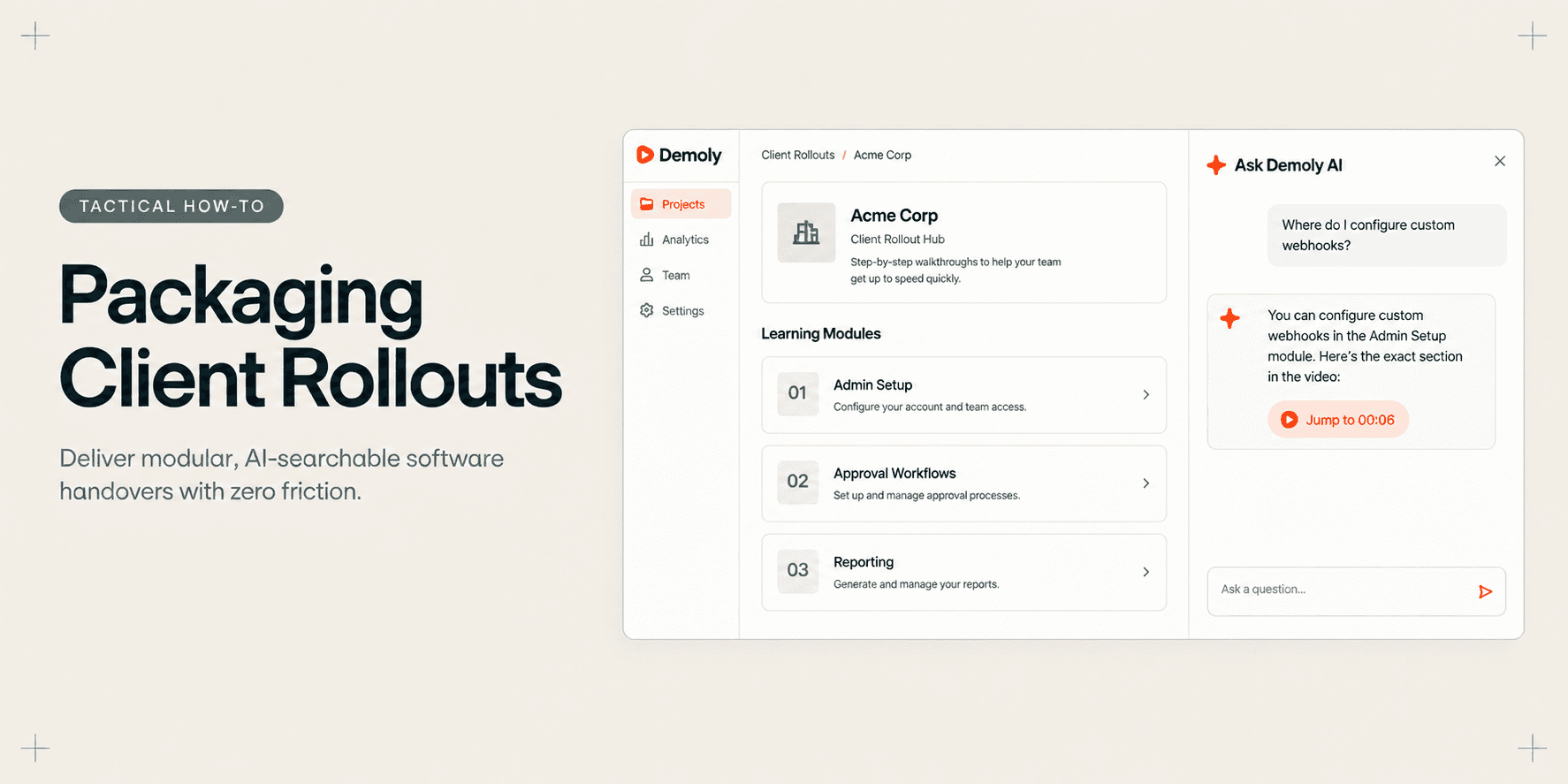
How Implementation Consultants Package a Rollout for a New Client
Learn how enterprise implementation consultants package software rollouts into modular, AI-searchable walkthroughs that eliminate post-go-live hypercare calls.
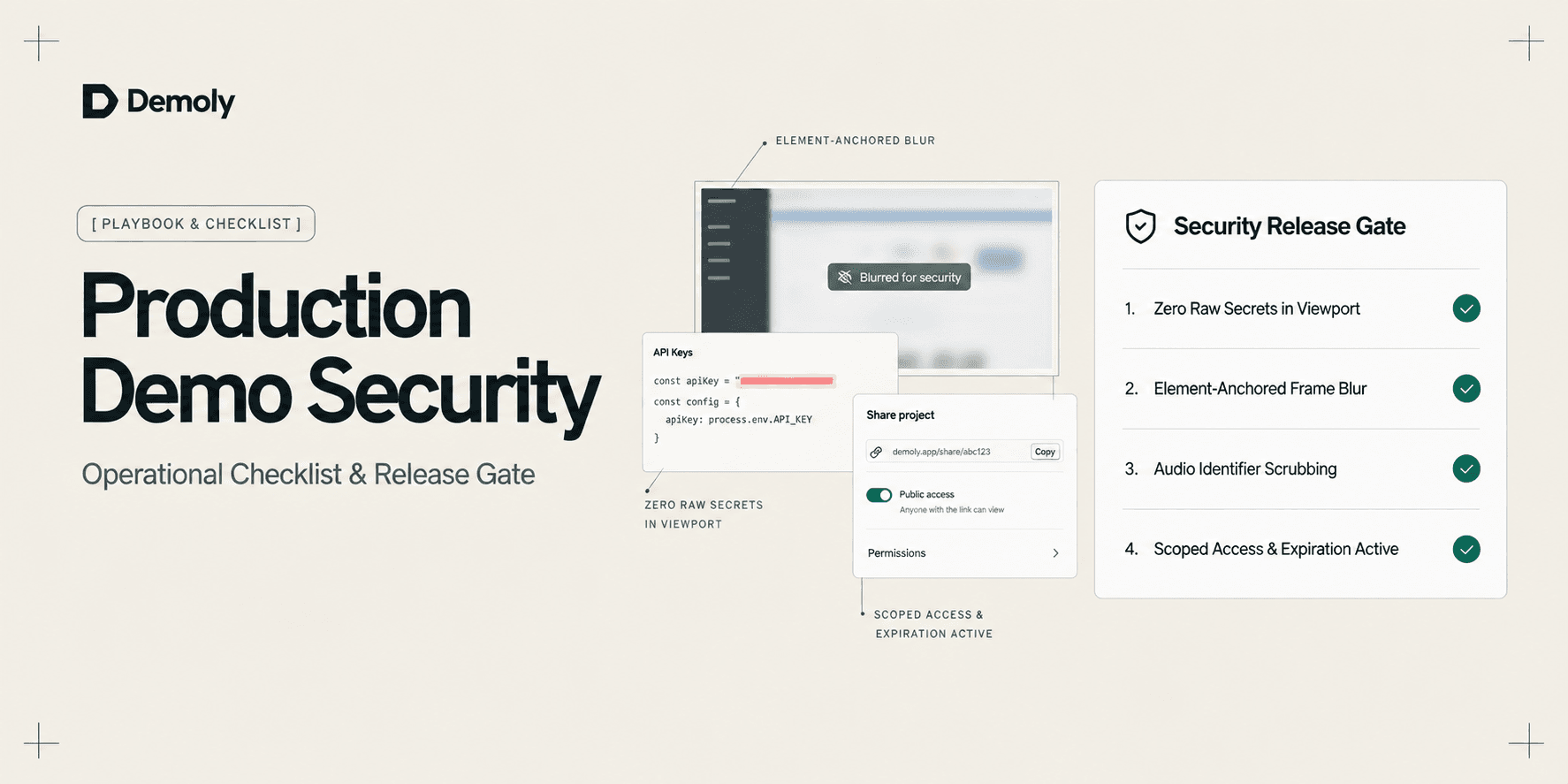
A Security Checklist for Sharing Demos of Live Production Environments
Prevent credential leaks, PII exposure, and compliance violations. Use this operational security checklist to safely record and share demos of live production environments.
Best Screen Studio Alternatives for Windows and Linux
Looking for Screen Studio alternatives on Windows or Linux? Compare top cross-platform tools for auto-zoom effects, AI-searchable walkthroughs, and screen recording.
Try Demoly for your team
Create branchable, interactive demo recordings and deliverables in minutes with zero friction.